> ## Documentation Index
> Fetch the complete documentation index at: https://docs.pxxl.app/llms.txt
> Use this file to discover all available pages before exploring further.
# Deployment Lifecycle
> Follow a Pxxl deployment from source analysis through build, health checks, and a live route.
Every source follows the same high-level lifecycle after its source-specific setup is complete.
## The deployment path
Pxxl connects to the selected repository, receives the upload, reads the container source, or creates the selected template or WordPress project.
The build plan identifies the language, framework, package manager, commands, port, output directory, and target.
Pxxl runs the install and build commands in an isolated build environment. Build output is streamed to the deployment log.
Static output is uploaded as an immutable release. A Web Service is packaged and scheduled as a runtime service.
A Web Service must start and respond on its configured port before traffic is routed to it. Static releases must be available at their release path.
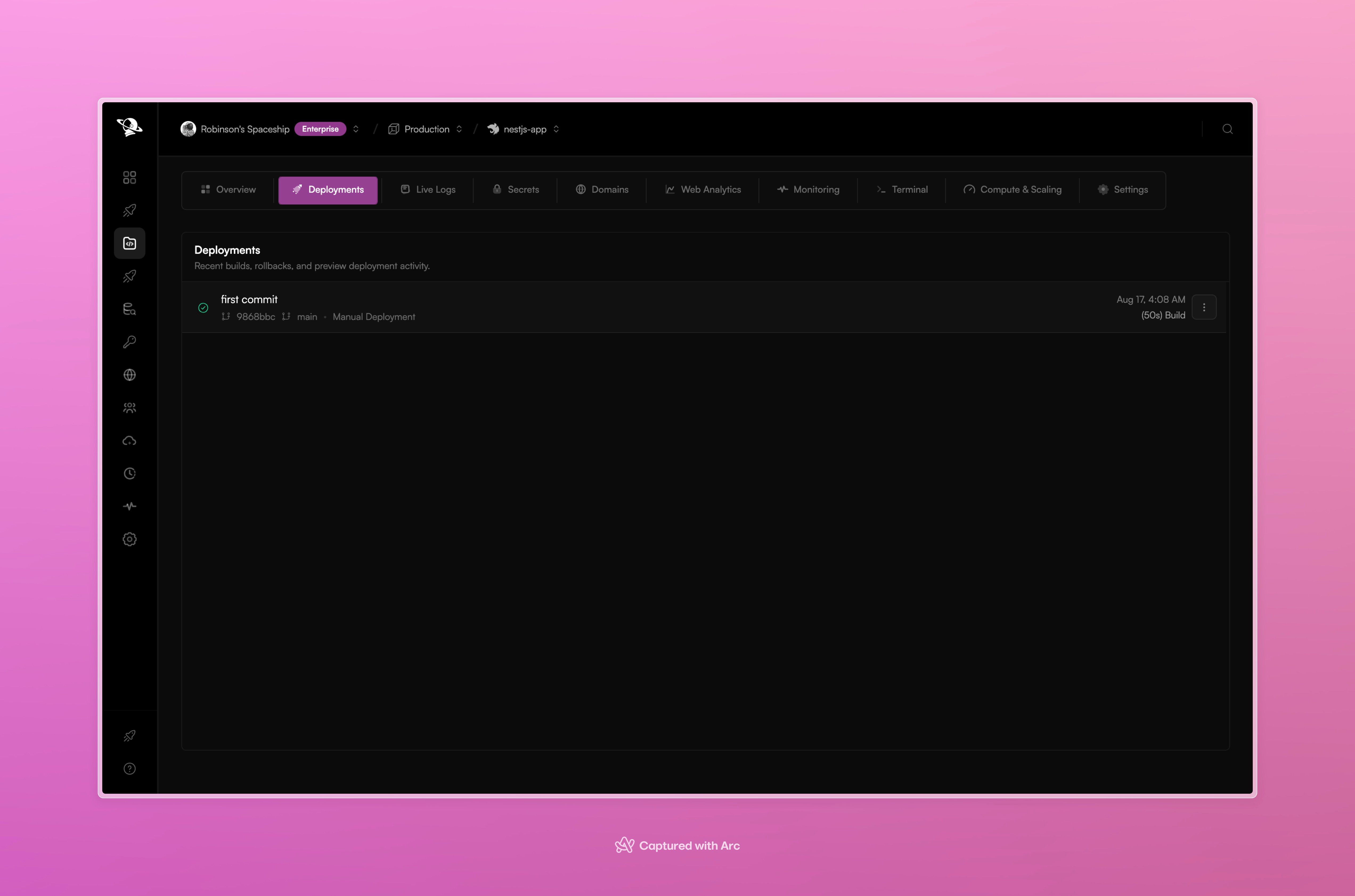
Pxxl records the deployment, updates the project route, and keeps the build and runtime output available in the project workspace.
 ## Logs during a deployment
The deployment flow shows build output while the work is running. After the service starts, **Live Logs** shows runtime output from the active application.
## Logs during a deployment
The deployment flow shows build output while the work is running. After the service starts, **Live Logs** shows runtime output from the active application.
 ## Where each target goes
### Web Service
Pxxl schedules the built service, registers its port and health check, and routes traffic after the service becomes healthy. This is the path used by APIs, server-rendered applications, and long-running workers with an HTTP endpoint.
### Static App
Pxxl uploads the generated files to immutable release storage and serves them through the static route. There is no runtime process, start command, or container health check.
## If a deployment fails
Open the deployment record and read the first failing phase. Common causes include:
* missing secrets
* an incorrect base directory
* a package manager mismatch
* a failed build command
* a start command that exits
* a service listening on the wrong port
* a health check that never becomes ready
Fix the source or configuration, then choose **Redeploy** from the project deployment history.
This documentation is built and hosted on [Mintlify](https://mintlify.com), a developer documentation platform.
## Where each target goes
### Web Service
Pxxl schedules the built service, registers its port and health check, and routes traffic after the service becomes healthy. This is the path used by APIs, server-rendered applications, and long-running workers with an HTTP endpoint.
### Static App
Pxxl uploads the generated files to immutable release storage and serves them through the static route. There is no runtime process, start command, or container health check.
## If a deployment fails
Open the deployment record and read the first failing phase. Common causes include:
* missing secrets
* an incorrect base directory
* a package manager mismatch
* a failed build command
* a start command that exits
* a service listening on the wrong port
* a health check that never becomes ready
Fix the source or configuration, then choose **Redeploy** from the project deployment history.
This documentation is built and hosted on [Mintlify](https://mintlify.com), a developer documentation platform.