
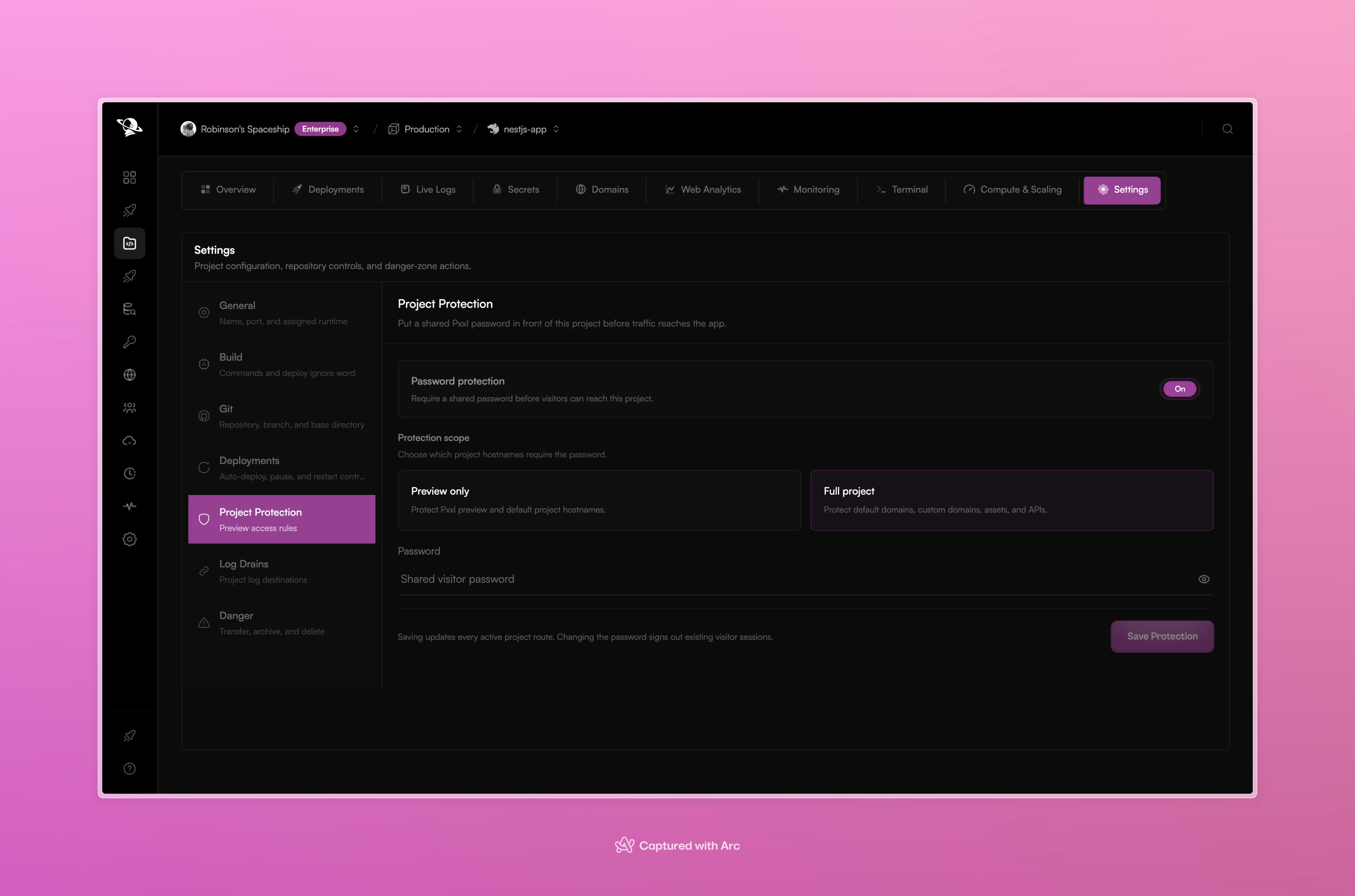
Project Protection lets you choose the protected hostnames and save a shared visitor password.
Configure protection
1
Open Project Protection
Open the project, choose Settings, and select Project Protection.
2
Turn protection on
Enable Password protection.
3
Choose the scope
Select Preview only for Pxxl preview hostnames, or Full project for the project domains, custom domains, assets, and APIs.
4
Save the password
Enter the shared visitor password and select Save Protection. Pxxl updates the active edge routes after saving.
How a protected request works
Protection runs before the deployed service is selected. The application only receives the original request after the edge check succeeds. The flow is:- The dashboard saves the protection setting. The password is hashed and stored securely, and the project route is updated.
- The route controller adds a
forward_authcheck to the protected hostname and publishes the change through the route store. - The edge makes a small
GETrequest to the Gateway verifier. It forwards the request headers needed to identify the host and credential. The original request body is not sent to the verifier. - The verifier resolves the host to a project, checks the selected scope, and compares the credential with the stored hash.
- Any successful
2xxresponse allows the original request to continue. A denied response stops the request before the app is reached.
X-Pxxl-Protection-Password from the request before forwarding the request upstream.
Send the password from server-side code
For server-to-server requests, send the password inX-Pxxl-Protection-Password:
Browser login and the session cookie
Normal browser navigation does not let a visitor attach a custom header to the first page request. When the browser is not already authorized, Pxxl serves a small password page.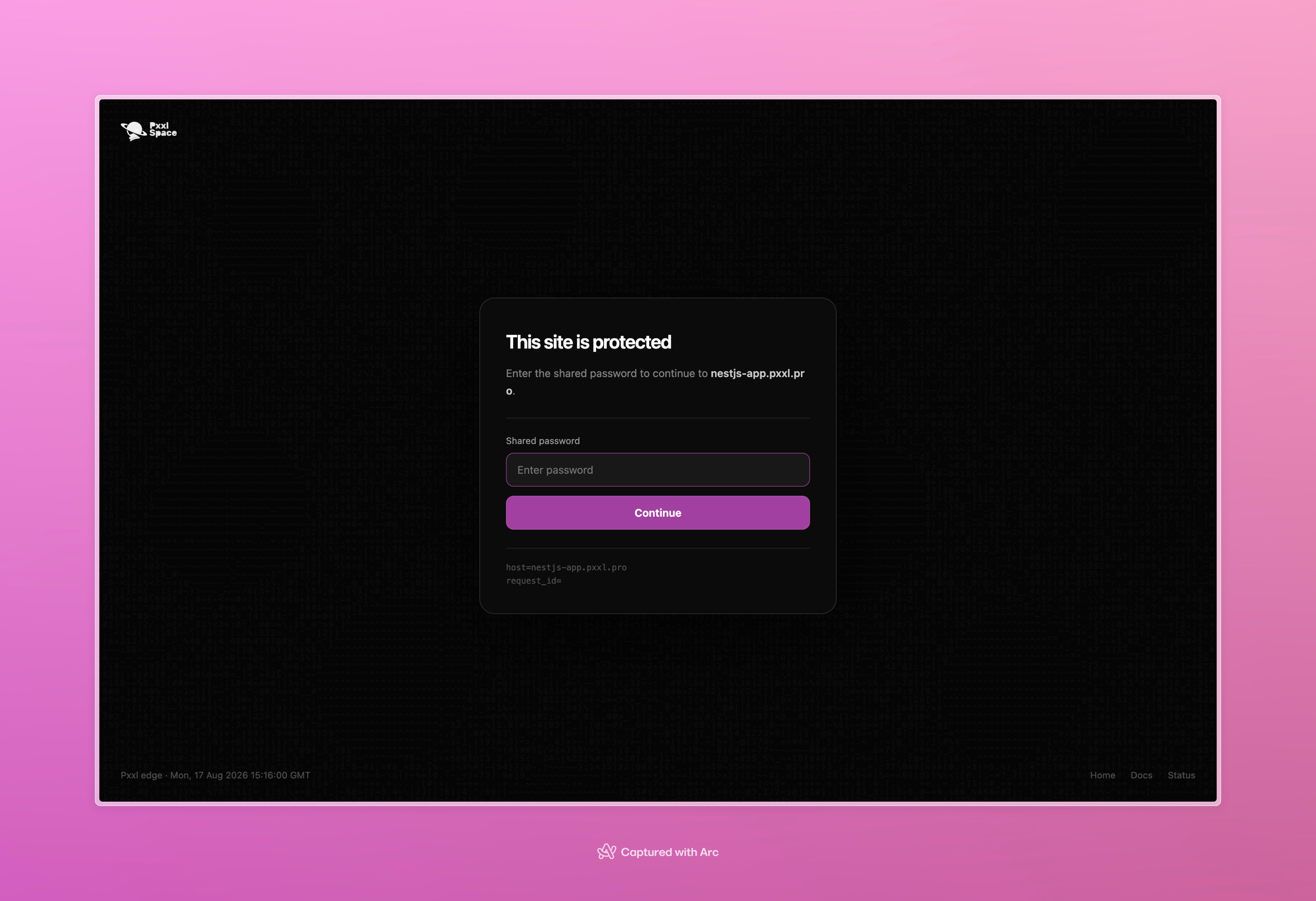
Visitors see the Pxxl Edge password page before the protected application is served.
- The edge sends the form request to the Gateway verifier.
- The verifier checks the
passwordform field. - A successful login returns a redirect to the original same-site path and sets
x-pxxl-protection-session. - The browser sends that
HttpOnly,Securecookie on later requests. The edge forwards it to the verifier.
Headers used by the edge check
Pxxl copies these headers into the verifier request when they are present:
These headers are inputs to the edge check, not a contract for the deployed service. The verifier response has no trusted identity headers for the application to consume.
HTTPS and HTTP
Pxxl public routes redirect HTTP to HTTPS by default. The protection check happens at the edge on the HTTPS route, before the request is sent to the application. Use HTTPS whenever you send a protection password. If a custom route deliberately allows plain HTTP, the password header and form submission can be exposed in transit and should not be used there.Preview-only and full-project scope
The route is rebuilt for each active hostname when the setting changes. If an edge route is temporarily unavailable, the dashboard reports that the protection was saved while route synchronization is pending.
Other protection modes
The protection record also supports token, email, and team checks for platform integrations. Those modes useX-Pxxl-Preview-Token or bearer identity headers instead of a shared visitor password. The dashboard flow above documents the shared-password mode.
Configure through the API
The dashboard uses these authenticated project endpoints:enabled, mode, previewOnly, and secret. Pxxl stores only a secure hash of the secret. The current @pxxlapp/pxxl SDK and CLI do not expose project protection methods, so use the dashboard or the authenticated API endpoints for this setting.