
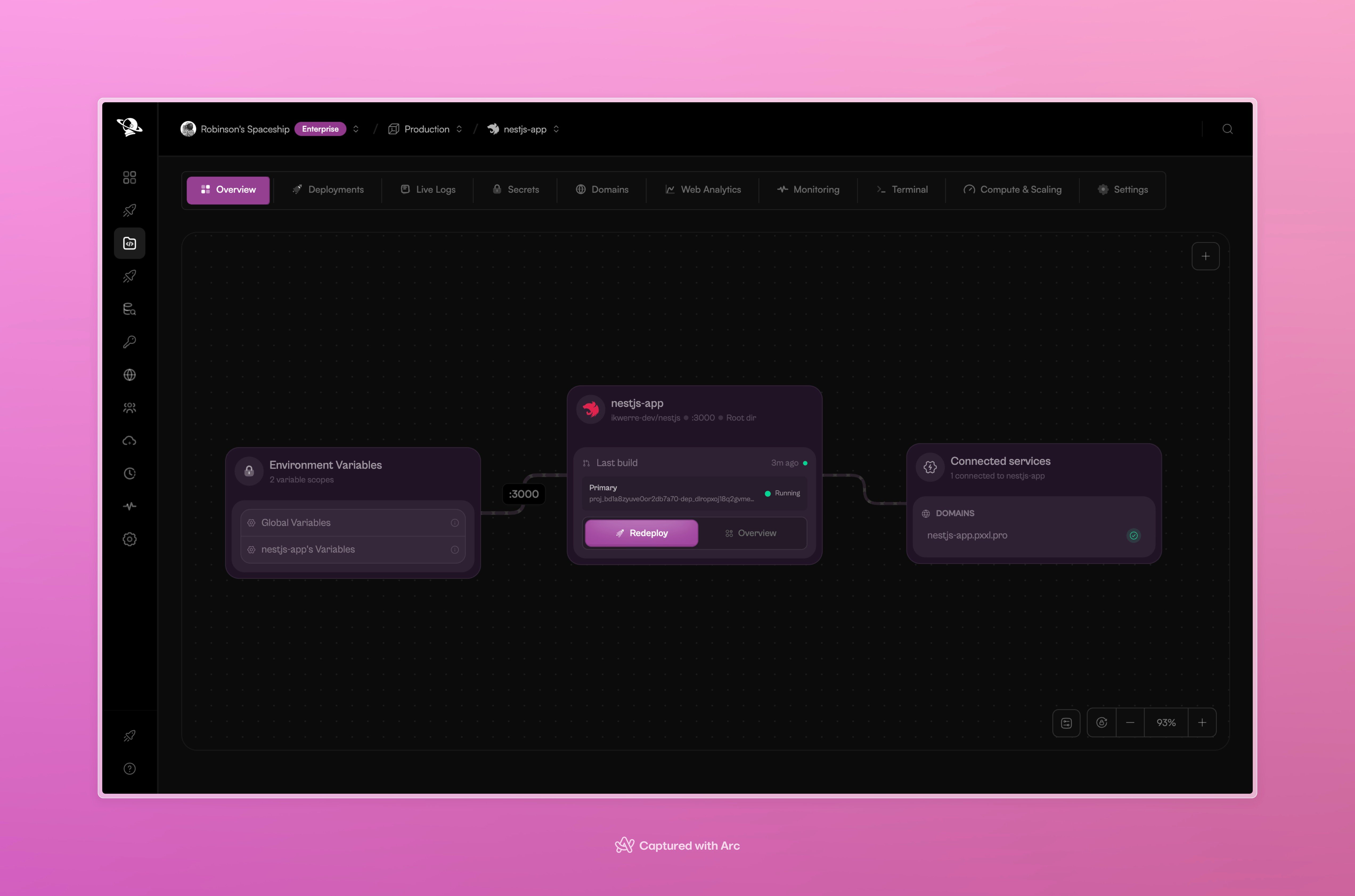
The project overview connects the deployment, environment variables, and attached domains.
What you can manage
Open a tab when you need to inspect one part of the project. The project remains connected to its source and deployment history while you work.
A useful order
After a deployment:- Check Overview to confirm the service and domain.
- Open Deployments to confirm the commit and build status.
- Use Live Logs if the service does not start as expected.
- Use Monitoring and Web Analytics to understand runtime and visitor activity.
- Use Secrets, Terminal, or Compute & Scaling when the project needs a configuration change.