
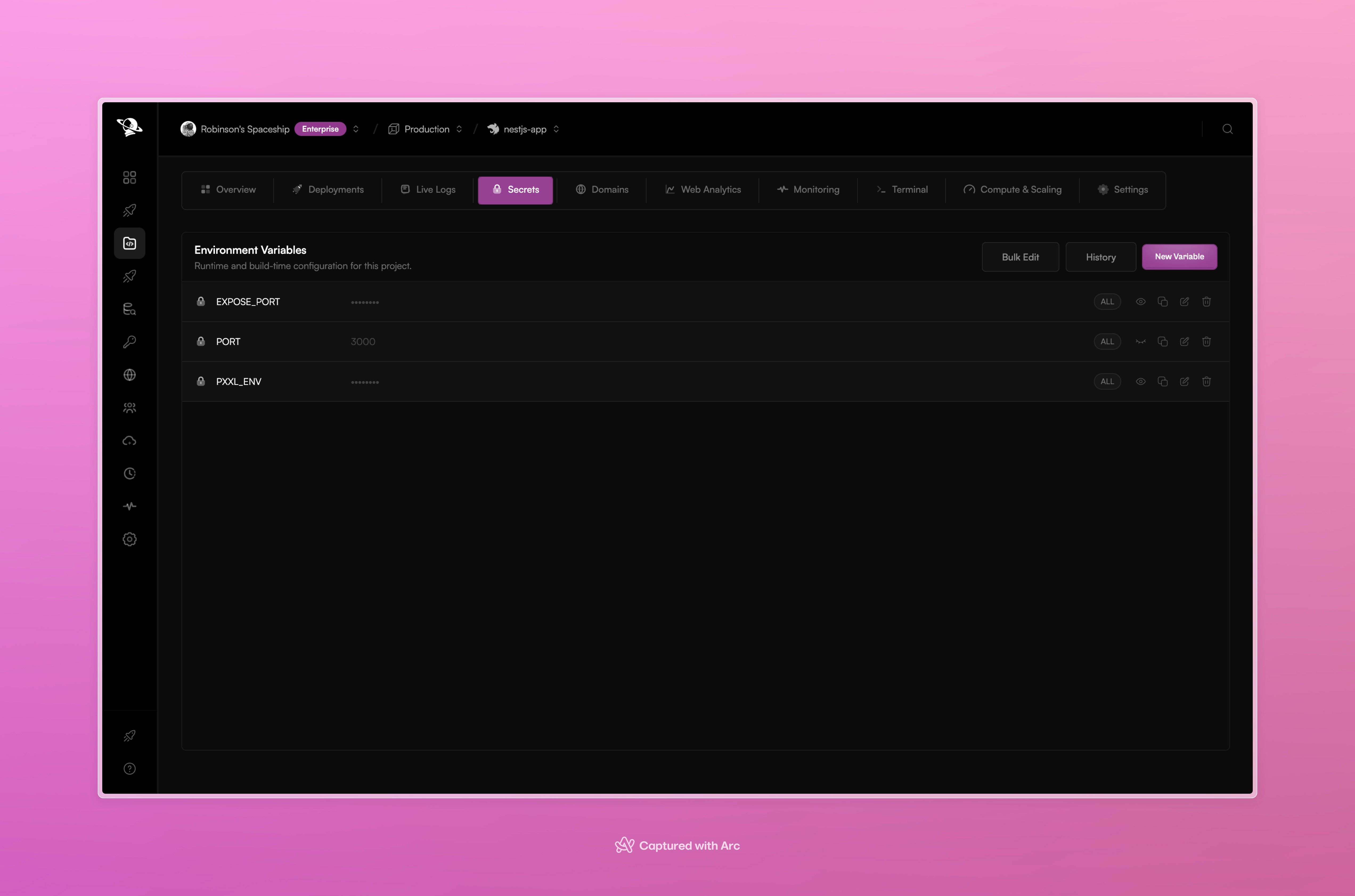
Project environment variables are masked by default and can be managed from one screen.
Variable scopes
The scope shown on each row tells you where the value comes from. Keep project-specific credentials at project scope unless they truly need to be shared.
Add or change a variable
- Open the project and select Secrets.
- Choose New Variable.
- Enter the name, value, and scope.
- Save the variable.
- Redeploy the project when the running application needs the new value.
How Pxxl uses secrets
Variables can be provided to the build process and to the running service. Pxxl keeps secret values masked in the dashboard. A frontend build can still expose a value if the framework intentionally embeds it into browser files, so keep browser-safe values separate from server secrets.Changing a variable does not change an already running process by itself. Deploy the project again so the new environment reaches the runtime.