
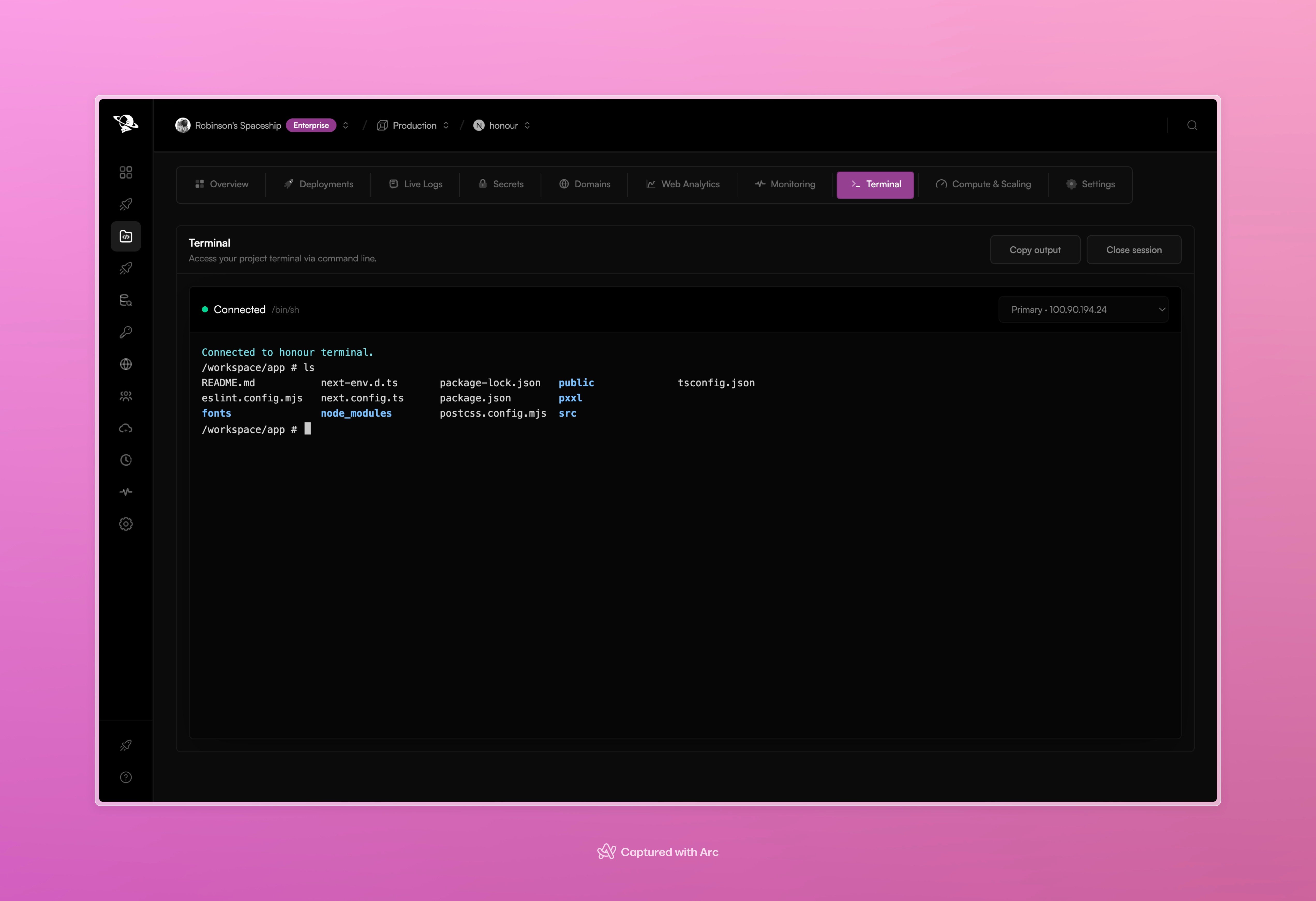
The project terminal connects to a selected runtime instance and streams shell output.
Start a session
- Open the project and select Terminal.
- Choose the runtime instance when more than one is available.
- Wait for the session to show Connected.
- Run read-only checks or the command you need.
- Select Close session when you are finished.
What belongs in the terminal
The terminal is best for short-lived investigation:- list deployed files
- inspect a generated build
- check the current working directory
- verify a runtime command
- inspect a service process